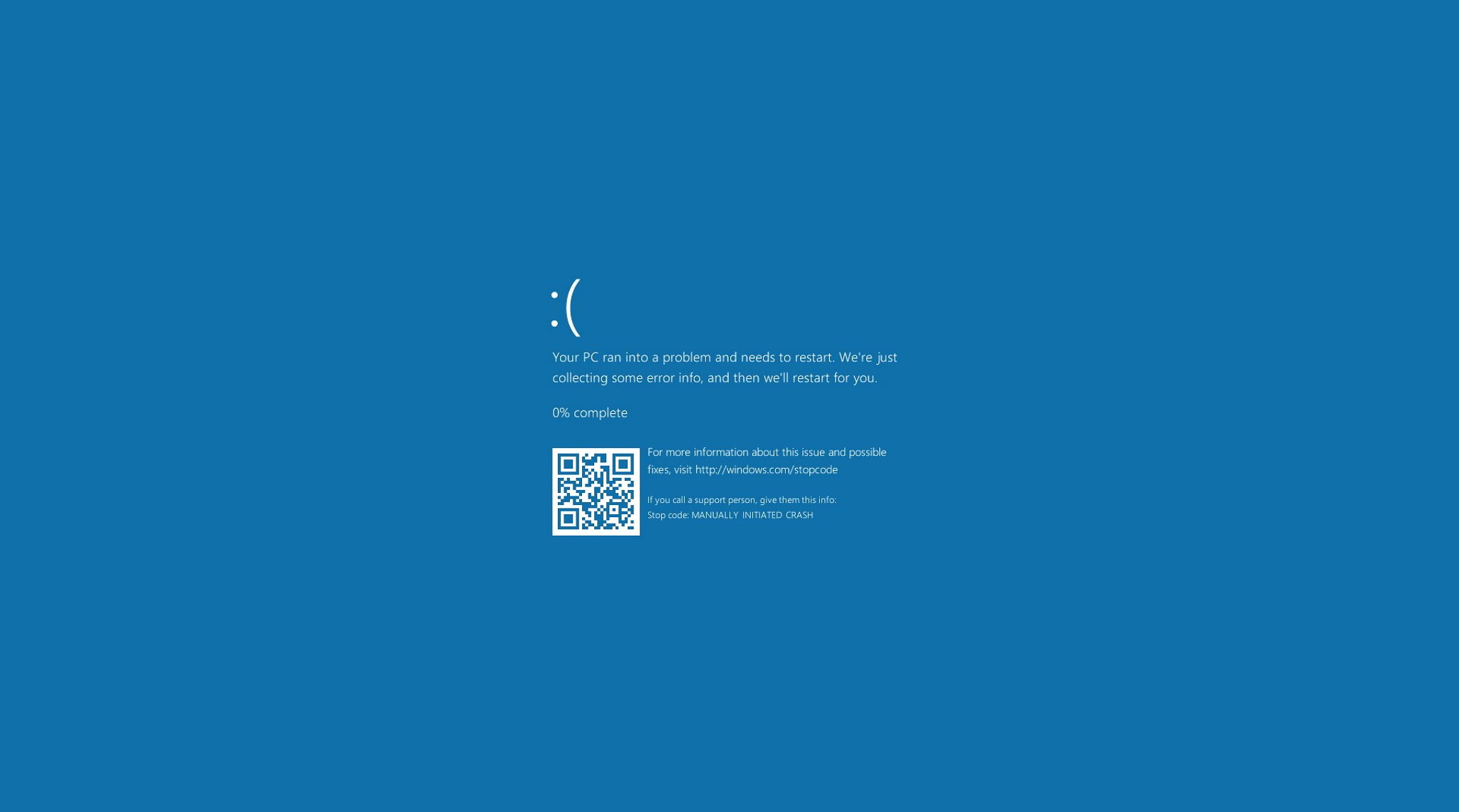
Blue Screen Error In Dell G3 15 3500
When a critical error is detected in Windows, your computer restarts itself to prevent any further damage.
This is a safety measure that is integrated into Windows. To further analyze the STOP error, we need to know the error code and information that is associated with the error.
This information is displayed when you turn off automatic restart. To turn off automatic restart, follow these steps:
- Click Start
, then type "advanced system settings."
The System Properties window appears. - Click the Advanced tab.
- Under the Startup and Recovery section, select Settings....
- Under System failure, uncheck the box next to Automatically restart.
- Click OK, then click Apply and OK to complete the update.

No comments:
Post a Comment